Solution Finder

Pick your machine + goal. Get the right product or turnkey in 60 seconds.

Choose your CNC Spindle Gripper Model

Compare features to find the perfect fit your cnc automation needs
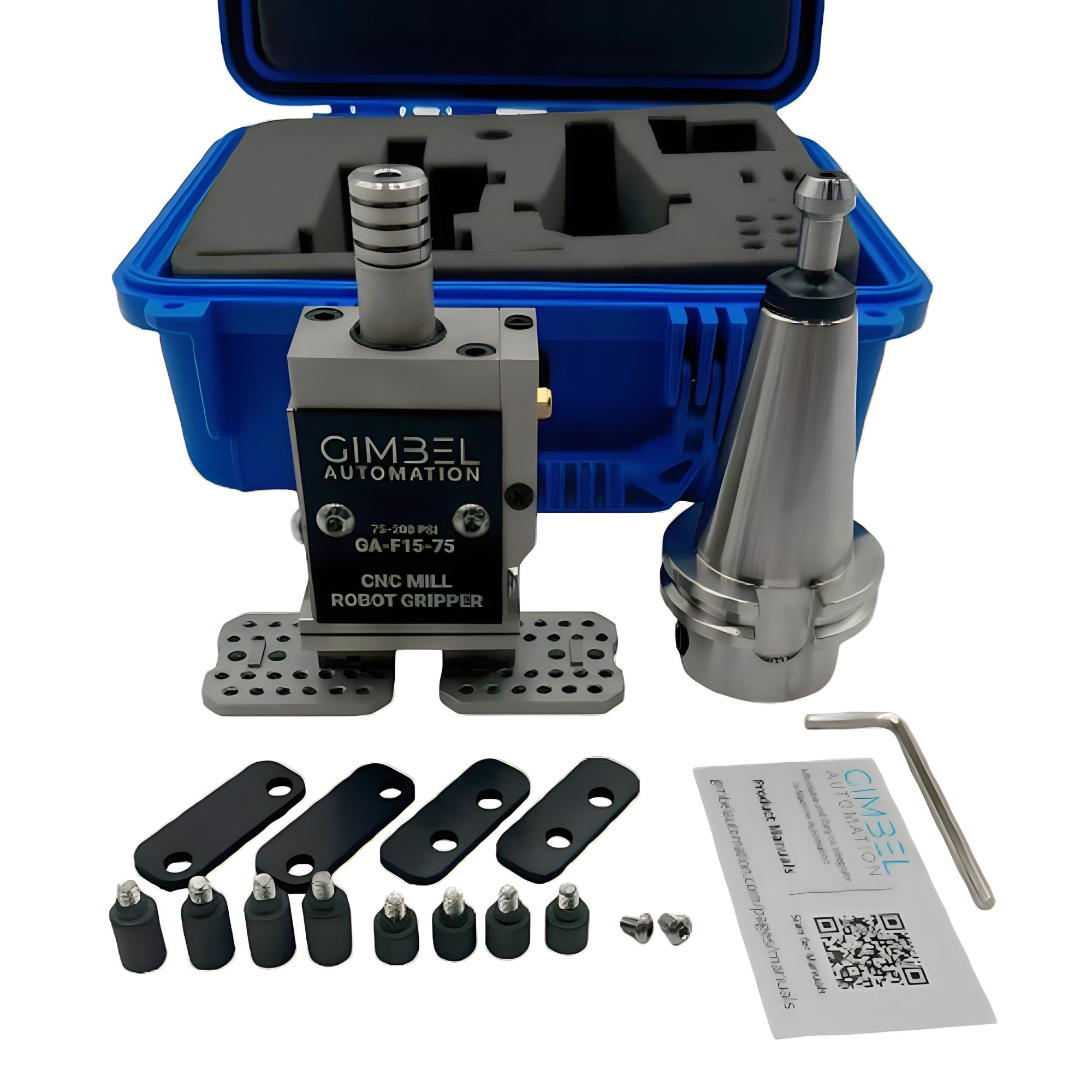
TSA/TSC GimGripper4™

TSA GimGripper4 parallel gripper with mechanical jaws for CNC automation
Price
$1,439.00 $1,379.00
Pick Weight
<10 lbs
Type
Through Air or Coolant
Best For
Small/Med Parts
Actuation
Mechanical Fingers
Tool Slots
1 Slot
View TSA/TSC GimGripper4™

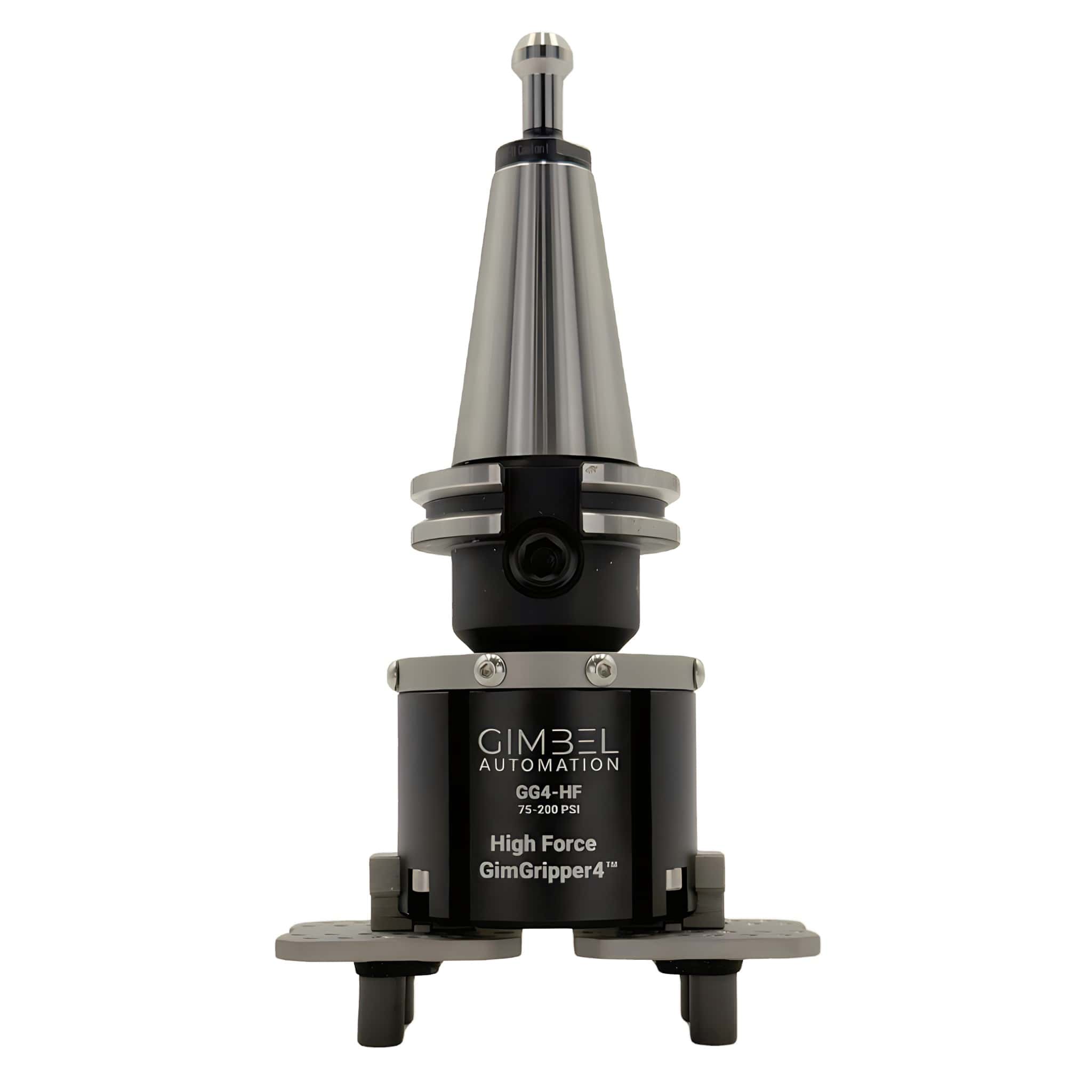
TSA/TSC High Force

High Force parallel gripper for heavy part handling up to 40 lbs
Price
$2,479.00 $1,629.00
Pick Weight
<40 lbs
Type
Through Air or Coolant
Best For
Med/Large Parts
Actuation
Mechanical Fingers
Tool Slots
1 Slot
View High Force GimGripper4™

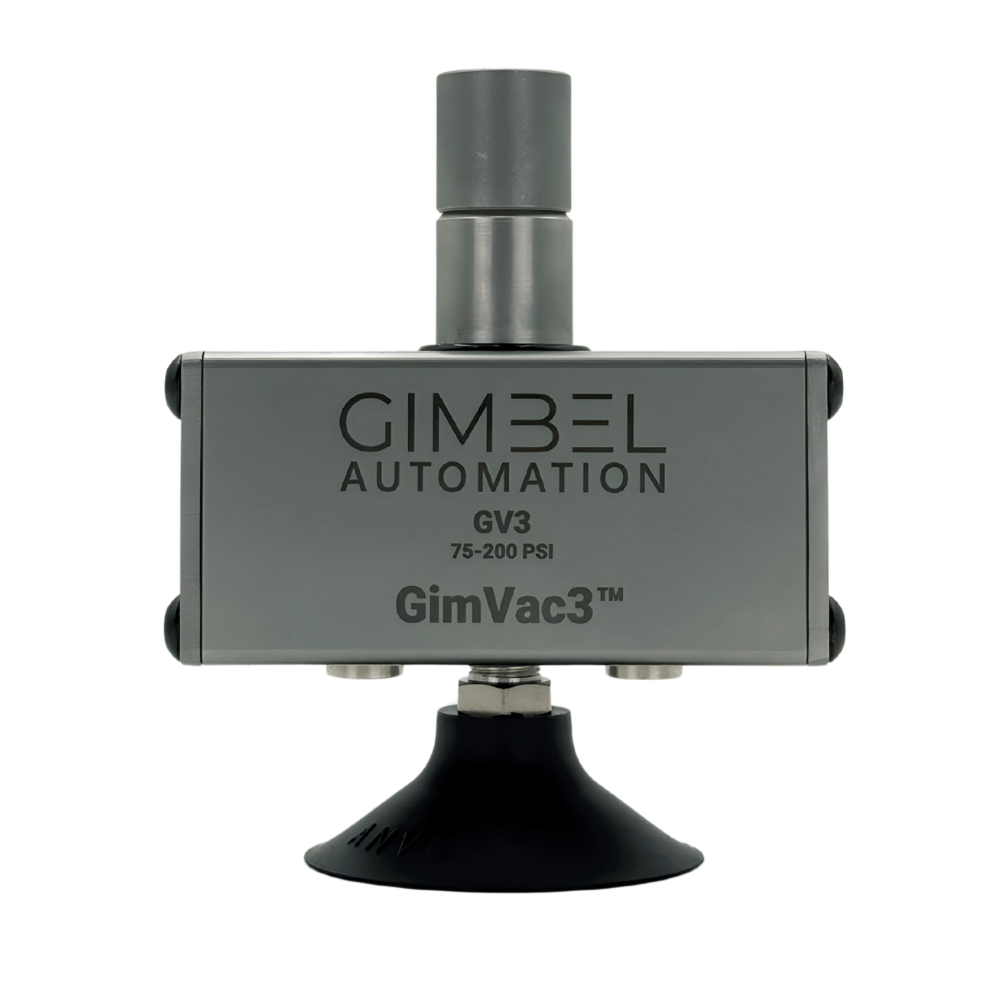
GimVac3™ Gripper

GimVac3 vacuum spindle gripper for flat CNC parts
Price
Optional Add-On
Pick Weight
Up to 25 lbs
Type
Through Air
Best For
Parts w/out Holes
Actuation
Venturi Vacuum
Tool Slots
1 Slot
View GimVac3™ Gripper

FloLink™ System

Add to Any Gripper or Grabber
FloLink CNC gripper system for machines without through-spindle air
Price
Optional Add-On
Pick Weight
Varies by Model
Type
No TSA/TSC Required
Best For
Machines w/out TSA/TSC
Actuation
Varies by Model
Tool Slots
1 Slot
View FloLink™ Grippers

GripFlipGrip™ Workflow

1

Load Stock into Part Loading Tray

Remove the finished, fully machined parts from the last run, and drop in your raw stock. Since there's no clamping and all the pins instantly align your stock, this step usually takes less than 5 seconds per part.

2

Gripper Loads the Part and AutoVise™ Clamps It

Fully automatically using our automated program templates, the gripper grabs the component from the stock tray and loads it into the Op1 AutoVise™ where it's clamped and machined.

3

Gripper Grabs, QuickFlip™ Flips, and Gripper Regrabs

The integrated QuickFlip180 leverages that remaining top hat on the stock. Automatically flips it over and then regrabs the component, getting it ready for automated Op2 machining.

4

Flipped Part Loaded for Op2 and Machined

After the part is flipped, the flipped component is automatically loaded into the OP2 vise soft jaw and then automatically machined, leaving a 100% complete, ready-to-use part.

5

Automated Repeating Part Production

This process automatically completes until you have an entire tray or magazine full of finished, ready-to-use components.

Comparison Demo Air Vises

Control Air with M-Codes.
No Wiring Hassle.

MCodeAir™ CNC pneumatic control kits let you add programmable M-code controlled air solenoids to any CNC machine in minutes — not days. The easiest way to automate vises, grippers, and pneumatic fixtures.

Shop M-Code Solenoid Kits
  • Works with Haas, Fanuc, Brother, Hurco & more
  • Plug-and-play — no electrician needed
  • Designed and supported in the USA

Choose Your MCodeAir™ Solution

Compare features to find the perfect fit for your pneumatic control needs

MCodeAir™ Kit

Price
$879.00
Best For
Bead-Blasting Only
Power Input
120V AC
Air Outputs
2 Dual-Channel Solenoids
Mounting
Magnetic
Install Time
~15 Minutes
Ideal Use
Grippers, Vises, Fixtures
View MCodeAir™ Kit

MCodeAir™ + 24V Converter

Price
$1,049.00
Best For
Fanuc, Brother, Hurco, Cobots
Signal Input
24V DC (converted)
Air Outputs
2 Dual-Channel Solenoids
Mounting
Magnetic
Install Time
~20 Minutes
Ideal Use
Non-Haas CNC Integration
View MCodeAir™ Kit

MCodeAir™ Installation Workflow

1

Connect to Your CNC I/O

Plug the simple two-wire connectors into your Haas NGC I/O board or use the 24V converter for Fanuc, Brother, and other machines.

2

Mount the Solenoid Box

Use the magnetic mounting to place the solenoid control box anywhere convenient — on your machine, cabinet, or nearby wall.

3

Connect Your Air Lines

Route shop air to the input, then connect outputs to your vise, gripper, or pneumatic fixture. Two independent dual-channel outputs included.

4

Program & Automate

Call M-codes in your program to activate air outputs. Open vise with M21, close with M22 — full pneumatic automation from G-code.