








The Gimbel Automation 3D Configurator is a free, browser-based tool that lets you design a complete in-machine spindle gripper automation system for your exact CNC — in about 5 minutes. Select your machine, define your stock, choose your grippers and vises, and watch the full automated cycle run in 3D before you buy a single part.

Step 1: Select your machine. The configurator supports 300+ CNC machines including Haas, Brother, Fanuc Robodrill, Doosan, Hurco, Mazak, and more.
With over 300+ CNC machines in our database — Haas VF-2, Haas Mini Mill, Haas UMC-500SS, Brother Speedio, Fanuc Robodrill, Doosan DNM, YCM, Hurco, Mazak, and more — we almost certainly have your exact make and model ready to go. Every machine profile includes table dimensions, travel limits, door opening sizes, and a dimensionally accurate 3D model. The configurator uses this data to ensure every component it recommends physically fits inside your machine.
What Is In-Machine Spindle Gripper Automation?
CNC machine tending means automatically loading raw stock and unloading finished parts so your machine runs unattended. Gimbel’s approach is in-machine spindle gripper automation: a gripper sits in your automatic tool changer just like any other tool holder. When the machine calls a tool change to the gripper, it picks parts from a LoadTray™ inside the enclosure, loads them into a pneumatic AutoVise™, and returns finished parts to the tray. No robot arm. No extra floor space. No safety fencing. Everything happens inside the machine you already own.
The configurator walks you through every decision — machine selection, stock dimensions, automation type, gripper model, tray layout, and table positioning — then renders a full 3D preview of your table layout and outputs a ready-to-buy equipment list with live pricing.
One-Op vs Two-Op — Choosing Your Automation Workflow
Depending on your part, you might need single-side machining or full dual-operation capability. The configurator offers two spindle gripper workflows:
- DoneInOne™ (One-Op): The spindle gripper picks a blank from the tray, loads it into the AutoVise™, machining runs, then the gripper unloads the finished part back to the tray. Ideal for parts that only need one side machined.
- GripFlipGrip™ (Two-Op): The spindle gripper picks, loads, machines Op 1, then flips the part 180° into a second vise for Op 2 — all without operator intervention. Both sides of the part come off finished.

Choose between DoneInOne™ single-operation and GripFlipGrip™ dual-operation workflows.
The choice is illustrated with a live 3D rendering of the vise configuration, so you can see exactly what you’re building before committing.
Define Your Stock Dimensions
The configurator lets you define your raw stock material in seconds. Choose between rectangular or round stock, then enter your X, Y, and Z dimensions in inches or millimeters. The tool renders your stock in 3D in real time, showing you exactly how it will sit in the vise and how the automation system will handle it.
The configurator also calculates an “Ideal Stock Size” based on your preferences, snapping the Z-axis to standard mill-stock thickness so you can order material that’s readily available from your supplier.

Define your raw stock dimensions. The 3D viewer updates in real time as you adjust X, Y, and Z values.
The 3D preview shows the part oriented exactly as it will sit in the vise during machining — what you see is what you get on install day.
See your equipment list with live pricing — no signup →
AutoVise™ + Soft Jaws — Pneumatic Workholding for Unattended Machining
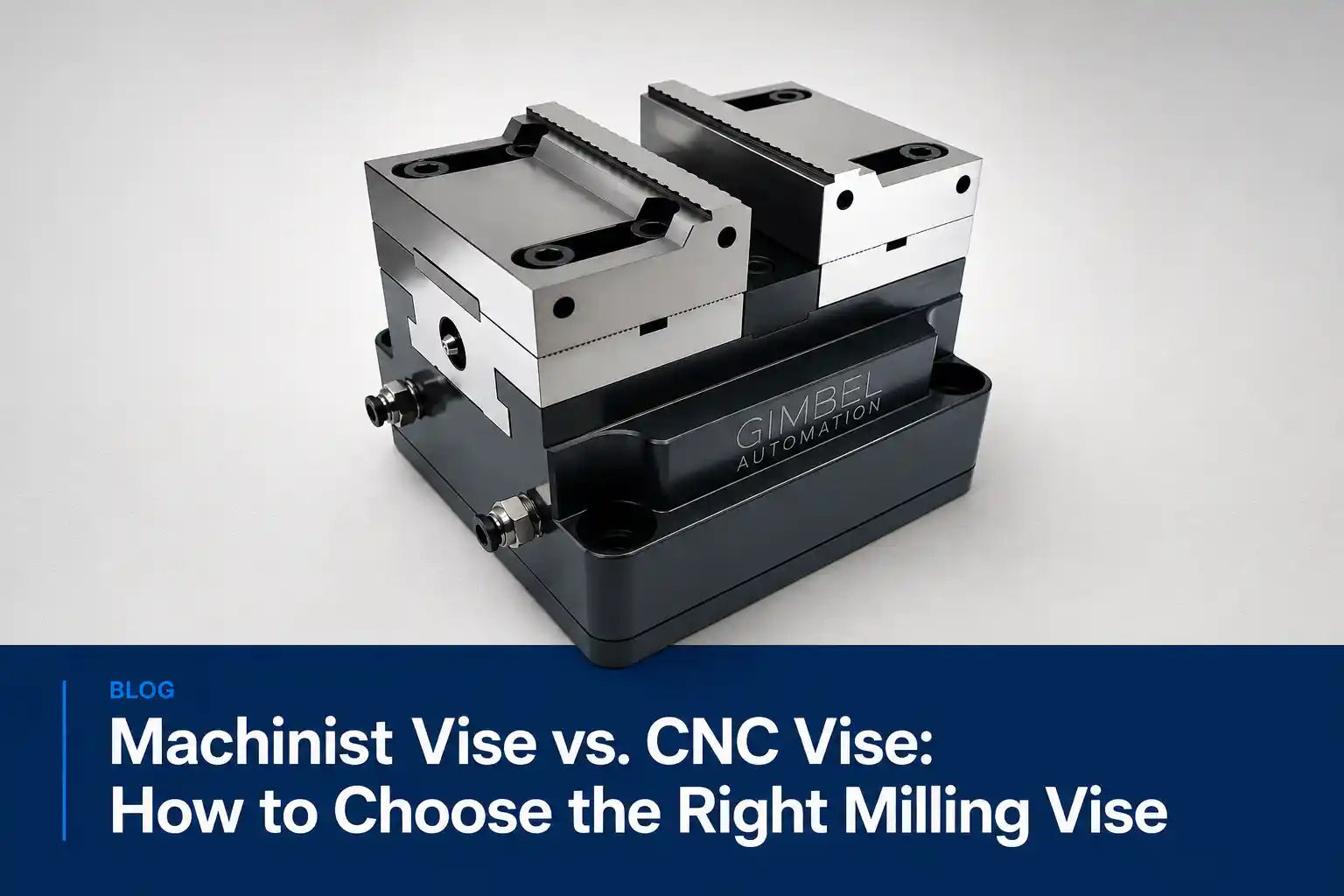
In spindle gripper automation, the vise does the heavy lifting. Gimbel’s AutoVise™ Pro is a self-centering pneumatic vise designed from the ground up for unattended operation. When the spindle gripper places a part, the vise clamps automatically via M-code — no operator, no manual handle. The configurator recommends a compatible model based on your stock size, machine table dimensions, and operation type.
Gimbel also offers custom CNC soft jaws machined to the exact part silhouette, ensuring your workholding is as precise as your part — no manual fitting, no trial-and-error.
Spindle Gripper Selection — The Heart of In-Machine Automation
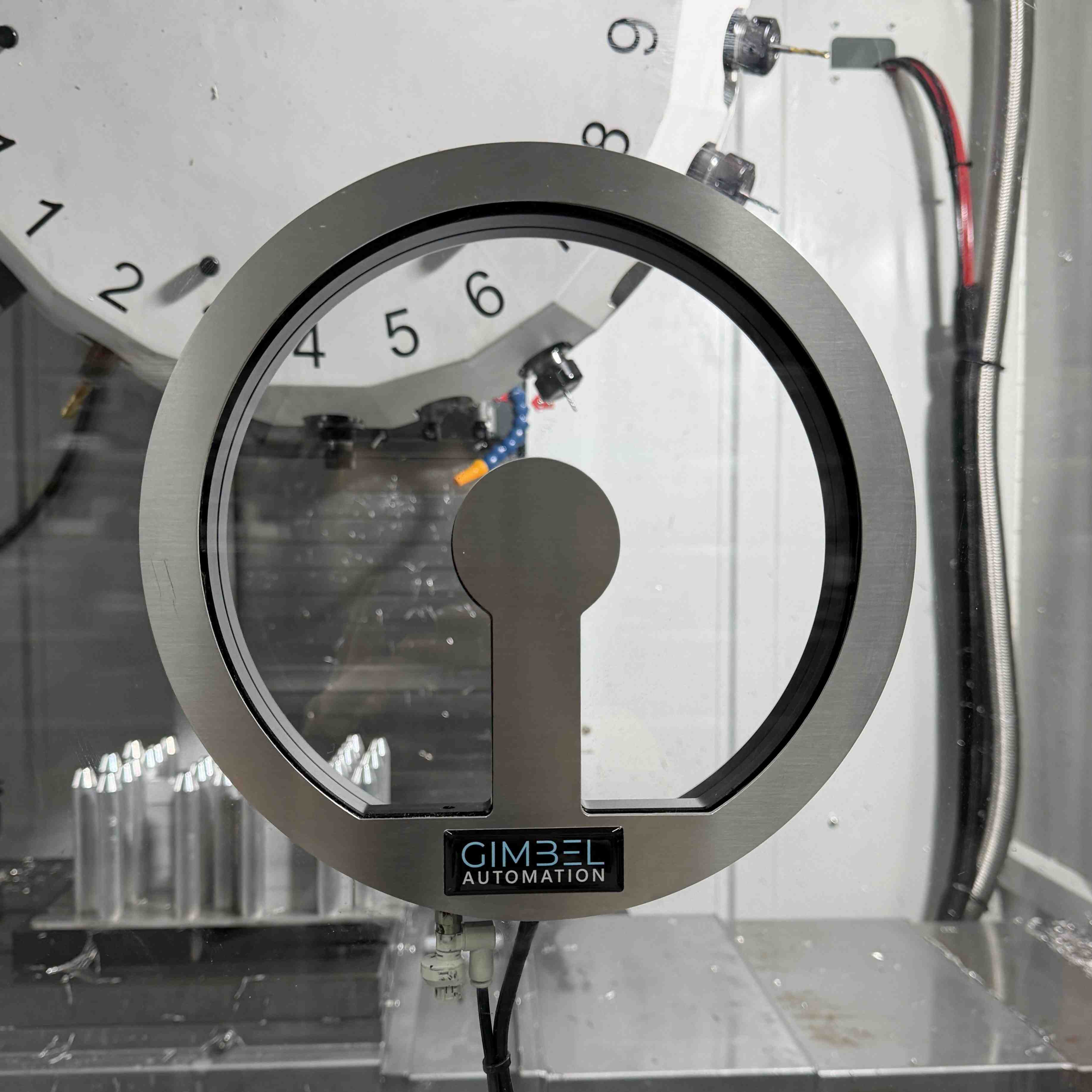
The spindle gripper is what makes this entire system possible. Instead of a robot arm reaching into your machine, a CNC spindle gripper sits in your automatic tool changer just like any other tool holder. When the machine calls a tool change to the gripper position, it picks up parts, loads them into the vise, and returns them to the tray — all controlled through standard M-code commands your machine already supports.
Selecting the right gripper depends on your machine’s spindle capabilities. Through-spindle coolant gripper (TSC) and through-spindle air gripper (TSA) configurations determine which models are compatible. The configurator handles this logic automatically — it only shows grippers that work with your specific spindle configuration.

Configure up to 8 grippers per system. Here, the GimVac3™ vacuum gripper is selected for flat-part handling.
The tool supports up to eight grippers per system, each independently configured with tool number, grip delay, release delay, and orientation trim. Multi-gripper support means shops that need vacuum + jaw + finish-pickup in one cycle can configure it all in a single session.
LoadTray™ + Table Layout
The LoadTray™ is where your spindle gripper picks up blanks and returns finished parts. The configurator lays out the LoadTray™ grid (columns × rows × layers, with configurable X and Y gaps) and positions everything — tray, AutoVise(s), and flip station — on a to-scale 3D rendering of your actual machine table.

Define your LoadTray™ grid layout. The 3D preview shows exact part placement with configurable gaps.

Position your automation components on a dimensionally accurate 3D rendering of your machine table. Toggle travel envelope and overhang visualization.
You can offset and rotate the layout interactively. The tool validates that everything fits within your machine’s travel envelope and door opening — no guesswork, no surprises on install day.
Interactive 3D Table Layout — See Exactly How Everything Fits
The configurator renders a full 3D preview of your CNC machine table with every component placed exactly where it will sit in production. You can see the AutoVise™ position, the LoadTray™ placement, travel envelope boundaries, and clearance zones — all to scale for your specific machine model.
This is not a generic illustration — it’s built from your machine’s real table dimensions, travel limits, and door opening sizes. If it fits in the 3D preview, it fits in your machine. You get complete confidence that your CNC machine tending system will install cleanly before you purchase a single component.
Live Pricing, Live Stock, Real Equipment List
The final step queries the Gimbel Automation storefront in real time for every piece of recommended equipment, returning live price, availability, product image, and a deep link to the product page.

Your complete automation equipment list with live pricing, stock availability, and direct links to each product.
Each item shows “In Stock” badges and per-line quantities. You can adjust quantities, request a quote for non-stocked items, or proceed straight to checkout. No quote engagement required — you leave the configurator knowing the exact total cost.
Save, Share, Iterate
Logged-in users can save unlimited configurations, organize them in folders, clone them for similar machines, soft-delete to a recoverable trash, and reload them at any time. Saved projects preserve every wizard input. This means you can spec a system for your Haas VF-2, clone it for your Haas VF-4, adjust the table layout, and compare both configurations side by side.
Who This Is For (And Who It Isn’t)
| Segment | Pain the Configurator Solves |
|---|---|
| Owner-operator job shops (1–5 machines, often Haas) | Have wanted to automate for years but felt Haas CNC machine tending was “integrator territory.” The configurator gives them a complete system spec without ever talking to a salesperson. |
| Mid-size production shops (5–25 machines, mixed brands) | Need to standardize on automation hardware that fits across Haas, Brother, Fanuc Robodrill, and Doosan VMCs. The configurator validates compatibility before any PO is cut. |
| Manufacturing engineers at OEMs | Need to spec automation for an upcoming program. The 3D layout preview and downloadable equipment list slot directly into a capex justification. |
Note: This configurator is specifically designed for in-machine spindle gripper automation. If you already own a 6-axis robot and want custom end-of-arm tooling, talk to an integrator instead.
Frequently Asked Questions
Is the configurator free to use?
Yes. The configurator is completely free with no signup required for your first configuration. Create an account to save, clone, and manage multiple configurations.
Is my machine in the database?
We support over 300 CNC machines from Haas, Brother, Fanuc, Doosan, YCM, Hurco, Mazak, and more. If your exact model isn’t listed, you can enter your machine’s dimensions manually to create a custom configuration.
How accurate is the 3D preview?
The 3D layout uses your machine’s real table dimensions, travel limits, and door opening sizes. What you see in the configurator is what you’ll get on install day — if it fits in the preview, it fits in your machine.
Does the configurator show live pricing?
Yes. The final step pulls real-time pricing and stock availability directly from our storefront. No waiting for quotes — you see the exact cost of every piece of equipment immediately.
Can I save my configuration and come back later?
Absolutely. Logged-in users can save unlimited configurations, organize them in folders, clone them for similar machines, and reload them at any time.
How long does it take to configure a system?
About 5 minutes. The wizard walks you through each step — machine selection, stock dimensions, automation type, gripper model, tray layout, and table positioning — with smart defaults that speed up the process.
What happens after I configure my system?
You get a complete equipment list with live pricing and direct links to each product on our store. You can purchase immediately, request a quote, or save the configuration to revisit later.
Can I configure systems for multiple machines?
Yes. Save a configuration for one machine, clone it, and adjust it for another. This makes it easy to standardize automation across your entire shop floor.
Try the Configurator
Ready to see what in-machine spindle gripper automation looks like on your exact CNC? Try the free 3D configurator today. No signup required, and it takes just 5 minutes to design your complete automation system.
Configure Your Machine →Explore AI Summary